
Custom cursor guides, written from the build bench
Eight long-form guides covering system pointers, browser effects, design, safety and performance — each based on running the Cursor Custom gallery on real Windows, Mac and Linux machines.
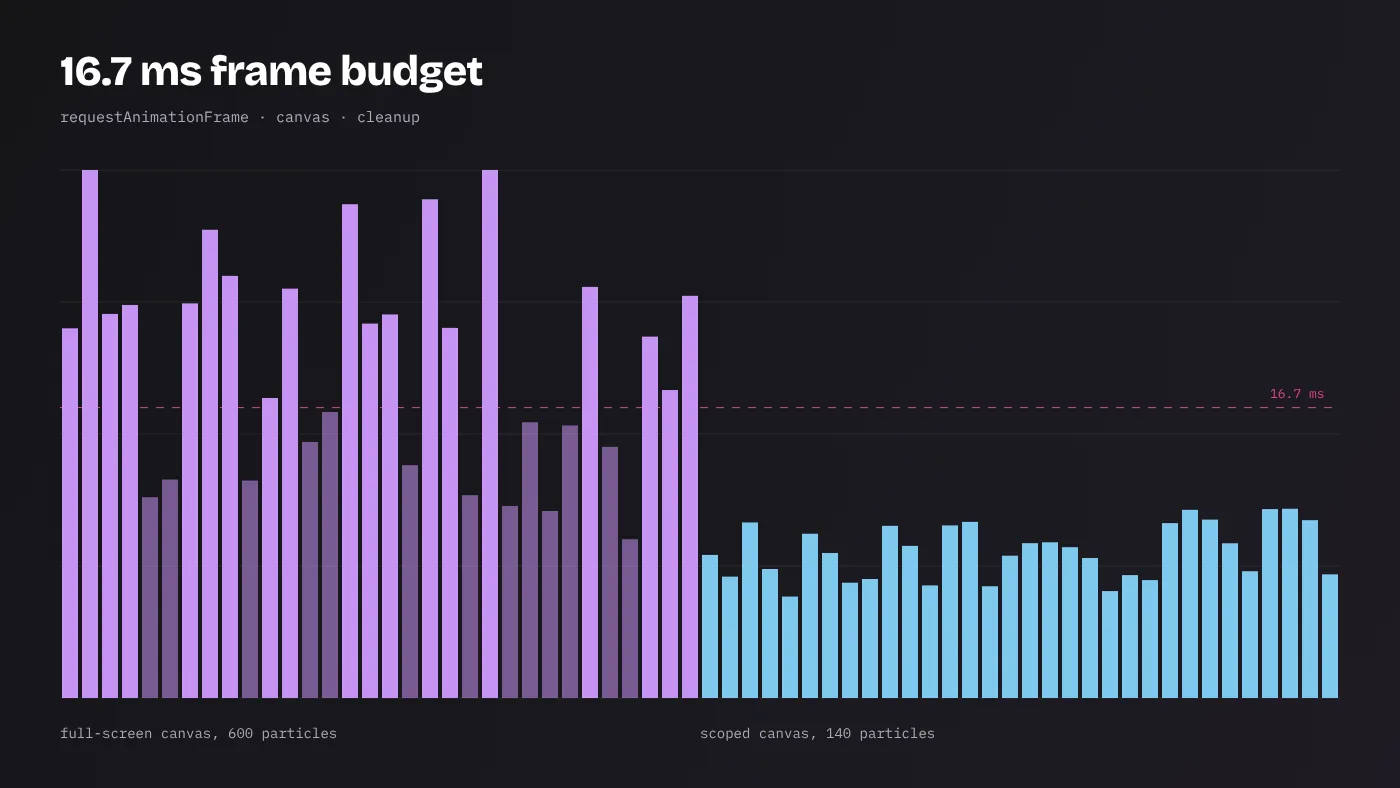
Custom Cursor Performance: Keeping Effects Inside the 16 ms Frame Budget
Keep interactive cursor effects smooth: frame budgets, requestAnimationFrame, canvas sizing, particle limits, cleanup, throttling tests and device fallbacks.
Read the guide →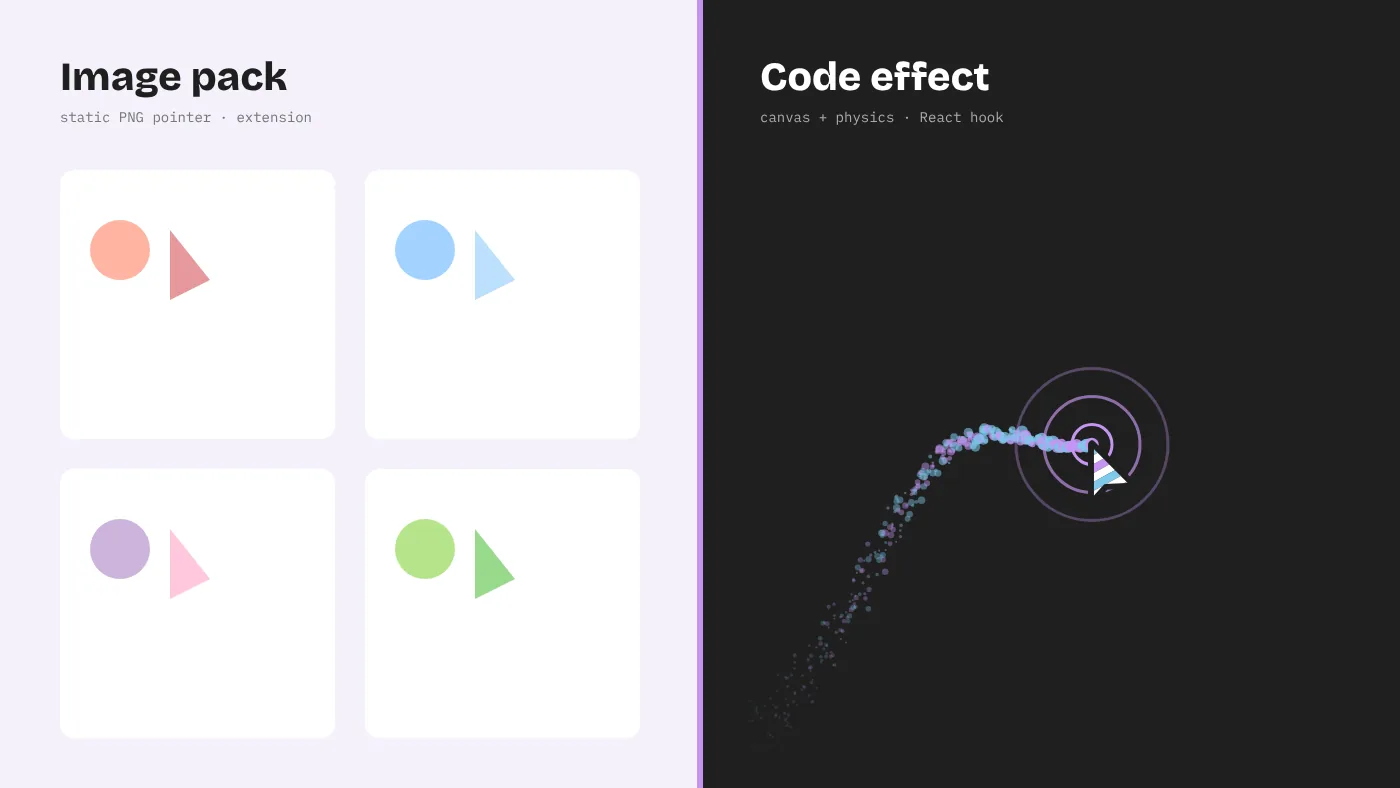
Sweezy Cursors vs Interactive Cursor Effects: Which Should You Use?
Sweezy cursors and similar extensions swap pointer images for you; interactive effects change your site for every visitor. Compare features, limits and use.
Read the guide →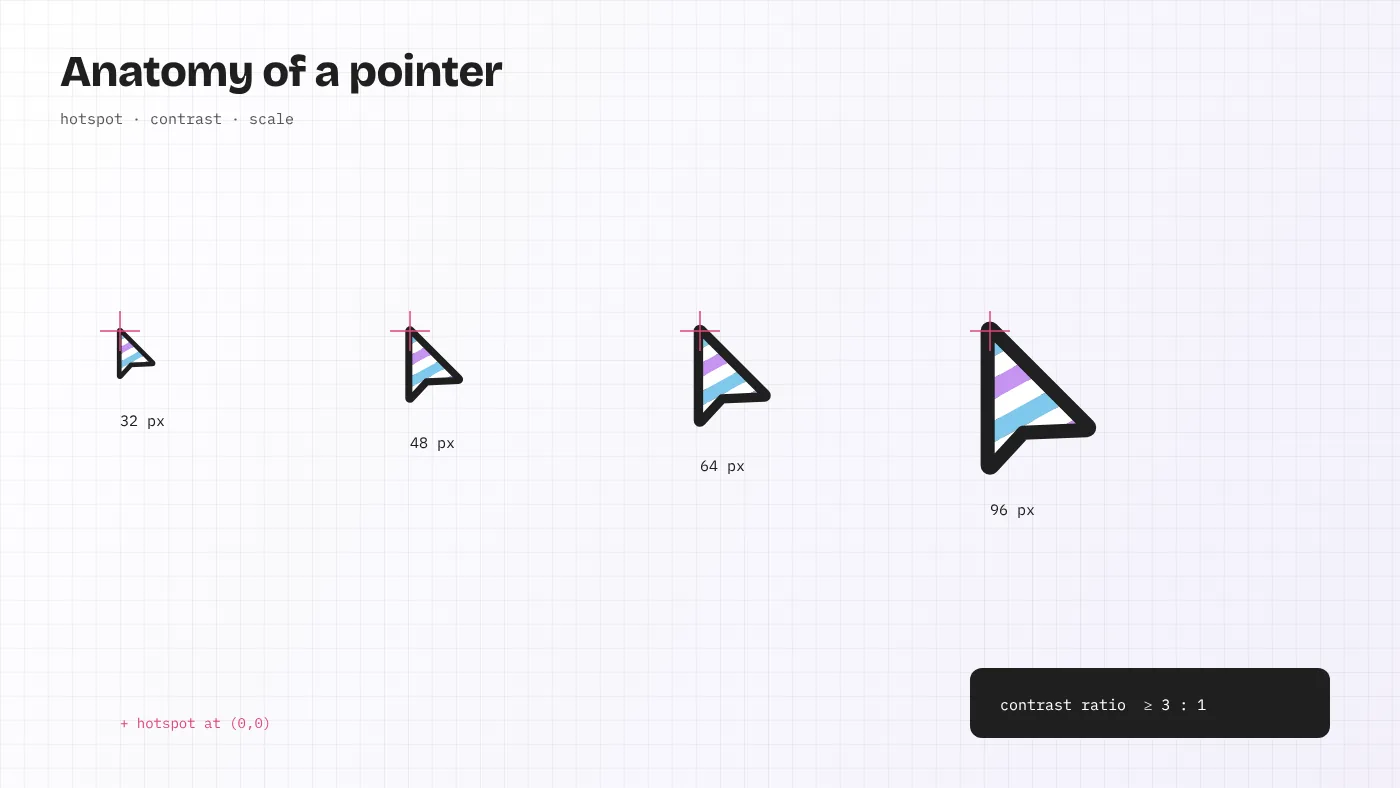
Mouse Cursor Design Principles: Hotspots, Contrast, Size and Motion
Design a mouse cursor that helps instead of distracting: hotspot accuracy, contrast, sizing, motion limits, accessibility rules and testing for web cursors.
Read the guide →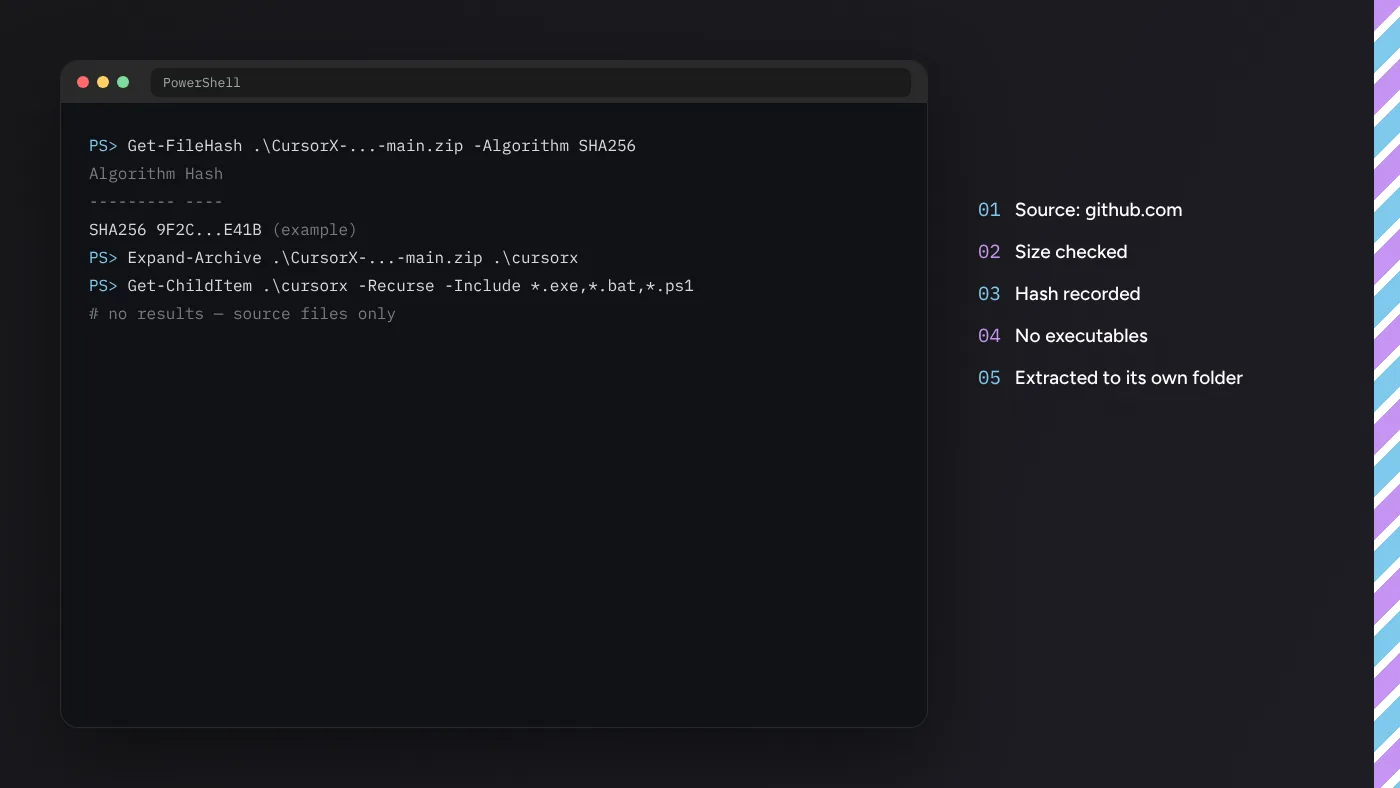
Custom Cursor Download Safety: A Checklist Before You Open Anything
A practical checklist for any custom cursor download: verify the source, inspect the archive, check file types and hashes, and avoid adware installers.
Read the guide →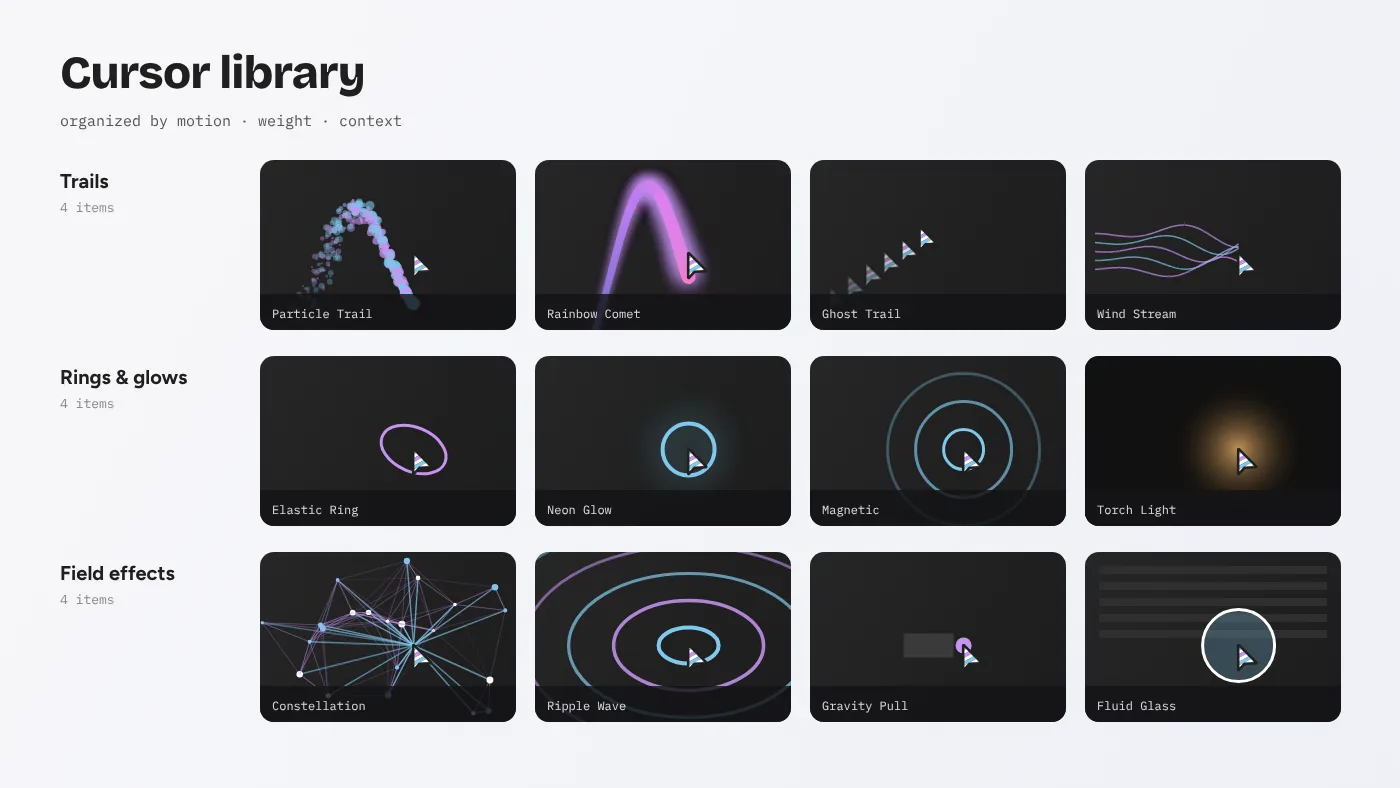
How to Build a Cursor Library Your Whole Team Can Reuse
Turn scattered cursor effects into a reusable cursor library: folder structure, shared config, naming, documentation, testing and versioning for teams.
Read the guide →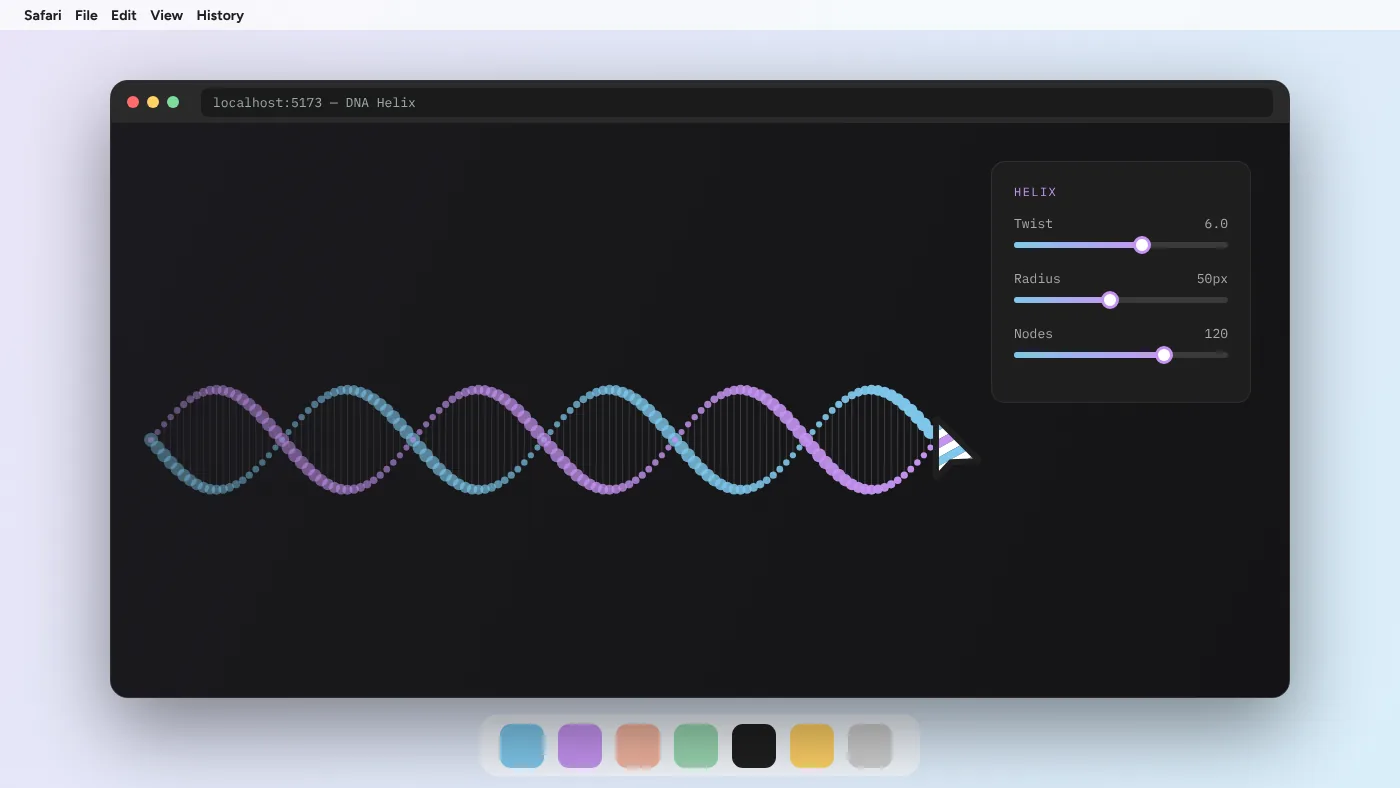
Custom Cursor for Mac: Pointer Settings, Safari and Interactive Effects
Customise the cursor on a Mac: change pointer size and colour in macOS, understand third-party limits, and run Cursor Custom effects in Safari or Chrome.
Read the guide →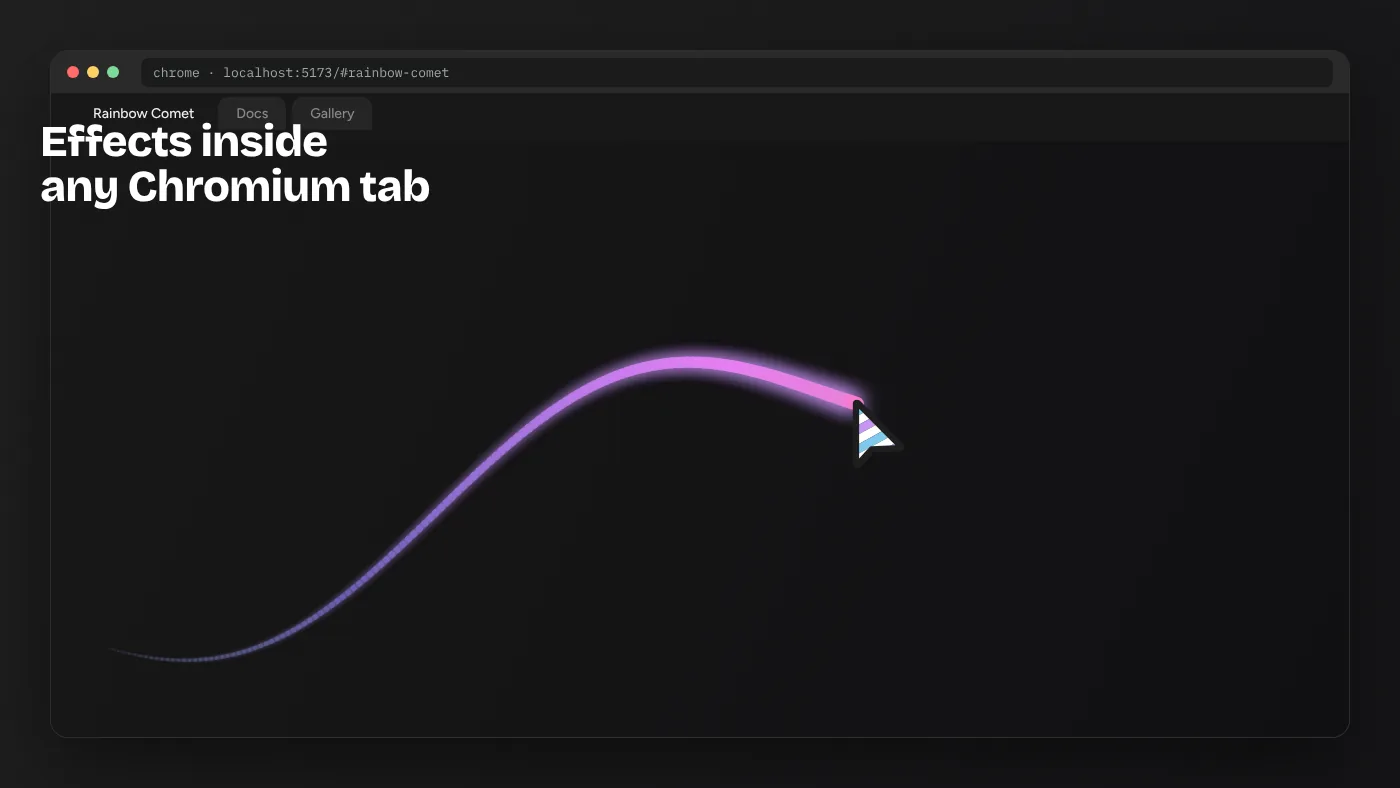
Custom Cursor for Chrome: Extensions vs Effects Built Into Your Site
Compare Chrome cursor extensions with interactive cursor effects coded into your own site. Learn setup, limits, performance and which one fits your goal.
Read the guide →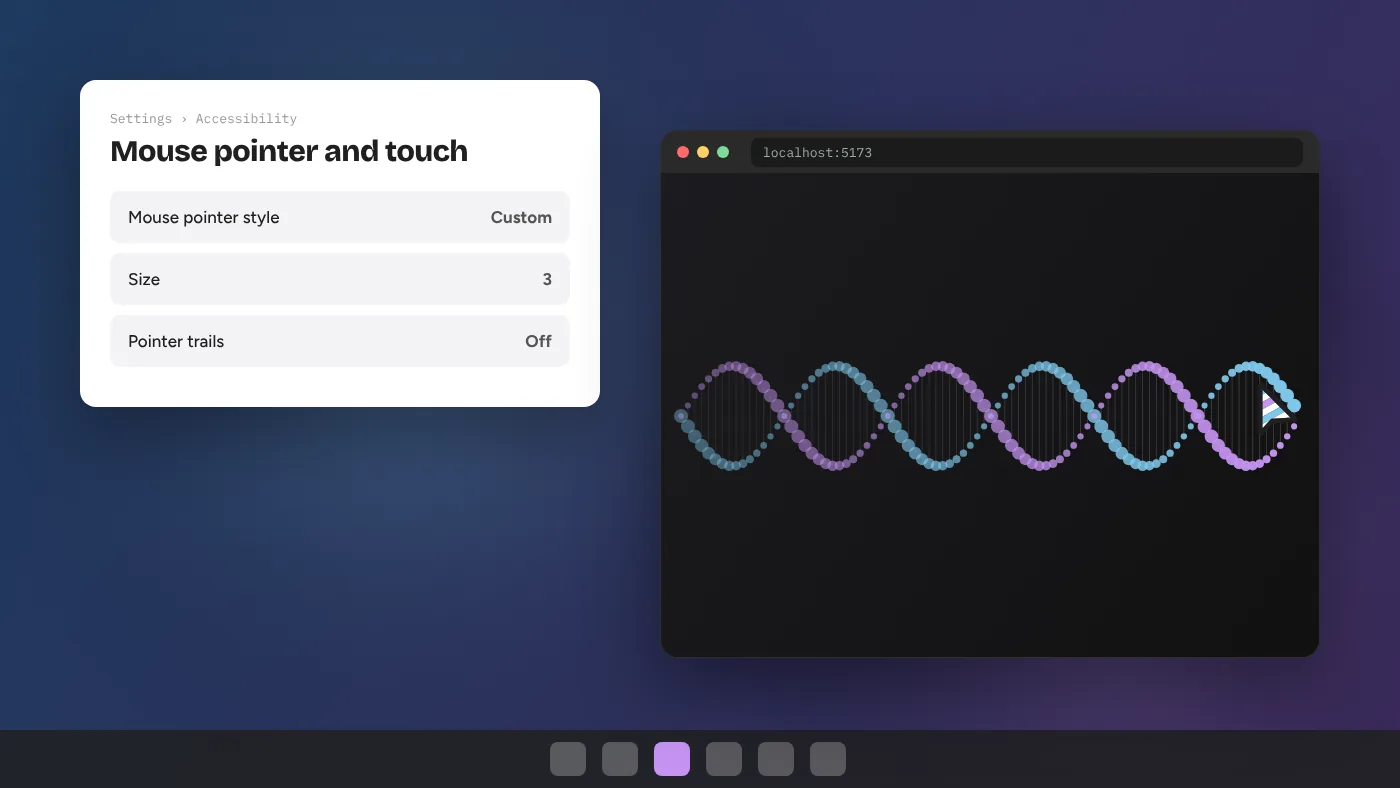
Custom Cursor for Windows 11: System Pointers and Interactive Effects
Set up a custom cursor for Windows 11 two ways: system pointer schemes (.cur and .ani) and interactive Cursor Custom effects running in Chrome or Edge.
Read the guide →