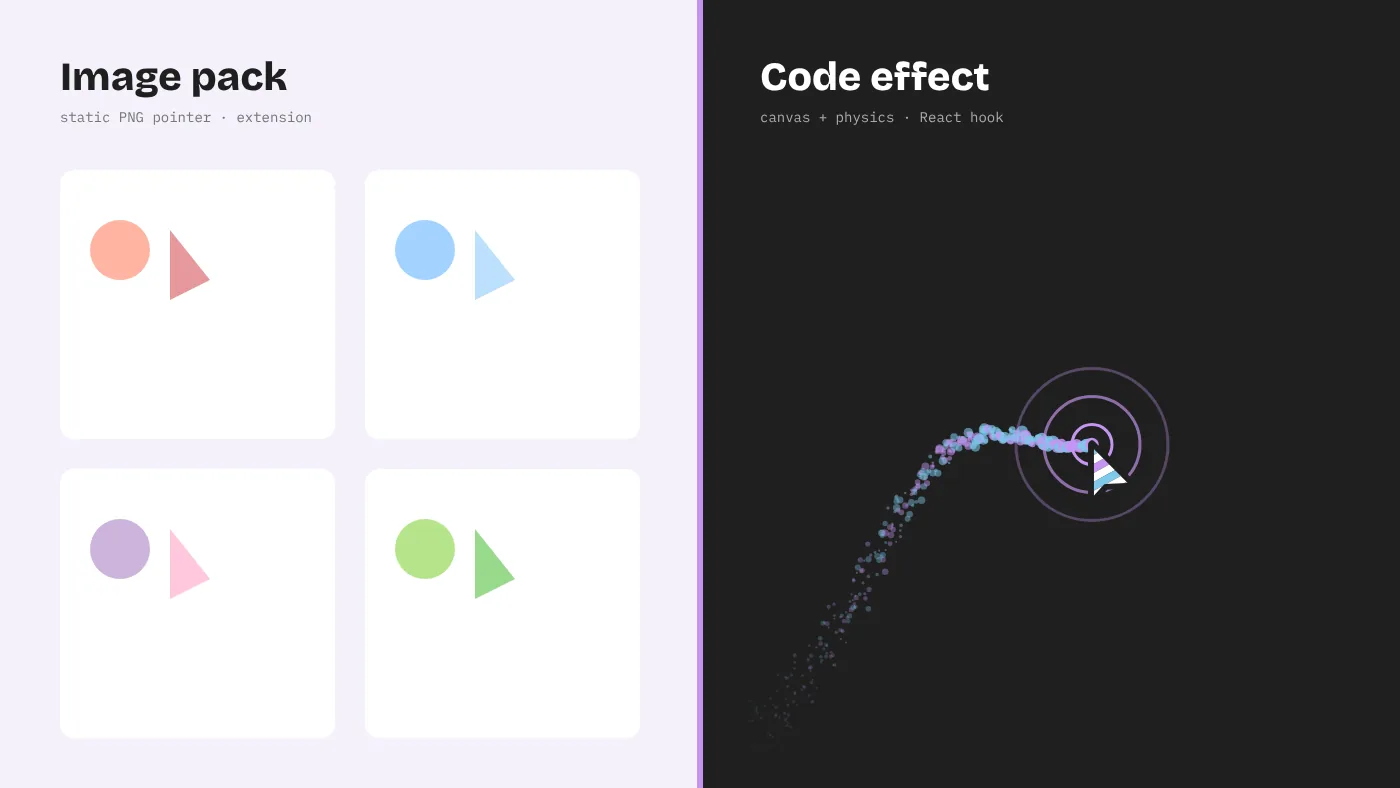
Search for a custom cursor and you will meet two worlds. One is cursor extensions like Sweezy cursors, with thousands of colourful image packs. The other is interactive cursor effects coded into websites, like the 24 in the Cursor Custom gallery. They look similar in screenshots and work nothing alike.
What Sweezy cursors and similar extensions are
Sweezy cursors is a browser extension that lets you choose a cursor pack — themed pairs of images for the normal pointer and the link pointer — and apply it while you browse. Many other extensions work the same way. Under the hood, they inject CSS into web pages that sets the cursor property to the image you picked.
That approach has real advantages for personal use. It needs no technical knowledge, it applies across most websites, and the libraries are enormous. If you want a cartoon character or a seasonal theme instead of the arrow while you browse, an extension is the shortest path.
Note that Cursor Custom is not affiliated with Sweezy or any extension developer. This comparison is about two different technical approaches, so you can choose the one that fits your goal.
What interactive cursor effects are
Interactive effects are JavaScript and CSS written into a website. Instead of swapping one image for another, they react to the pointer: tracking position every frame, measuring speed, responding to clicks, and influencing nearby elements. The CursorX package distributed through Cursor Custom contains 24 such effects, from Particle Trail and Elastic Ring to Gravity Pull and Fluid Glass, each with live tuning controls and copyable React source.
The core difference: who sees the cursor
This single question decides almost everything.
- Extension cursors are seen only by the person who installed them. If you install a pack and then build a website, your visitors still see their own default pointer.
- Coded effects are seen by every visitor of the site that includes them. Nobody installs anything; the effect arrives with the page.
So the choice is not really “which is better.” It is “am I personalising my own browser, or designing an experience for other people?”
Feature-by-feature comparison
| Aspect | Extension packs (e.g. Sweezy cursors) | Interactive effects (Cursor Custom) |
|---|---|---|
| Audience | You, in your browser | Everyone visiting your site |
| Setup | Install from a browser store, pick a pack | Run the gallery with Node.js, copy code into a project |
| What changes | Pointer image | Pointer behaviour, trails, page elements |
| Animation | Mostly static images | Physics, particles, springs, ripples |
| Customisation | Choose from available packs, sometimes upload an image | Every parameter in code, live sliders in the gallery |
| Where it fails | Browser-protected pages, other apps | Touch-only devices, visitors with reduced motion (by design) |
| Permissions | Access to sites you visit | None for visitors |
| Performance cost | Negligible | From negligible (CSS) to significant (heavy particles) |
| Ownership | Depends on the extension’s terms | MIT-licensed source you control |
When an extension is the right choice
- You want a fun or themed pointer while you browse.
- You do not build websites, or you are not trying to change your site.
- You want the change immediately, with no setup.
- You are fine with a static image rather than motion.
If you go this way, install only from the official store, review the permissions, and remove the extension when you lose interest. Our download safety checklist includes a section on extensions.
When interactive effects are the right choice
- You run a portfolio, product site, event page or teaching resource and want the pointer to be part of its design.
- You need motion and feedback — magnetic buttons, trails, click ripples — not just a different picture.
- You want precise control over colour, size, speed and physics to match a brand.
- You need code you can audit and maintain, without depending on a third-party extension.
Why image packs and coded effects feel so different
Browsers draw CSS cursor images through the operating system’s pointer layer, which is extremely fast but limited. Most browsers cap custom cursor images at around 128×128 pixels, and Chromium-based browsers fall back to the default pointer for anything larger. Animated GIFs do not animate as cursors in Chromium. That is why extension cursors are essentially stickers.
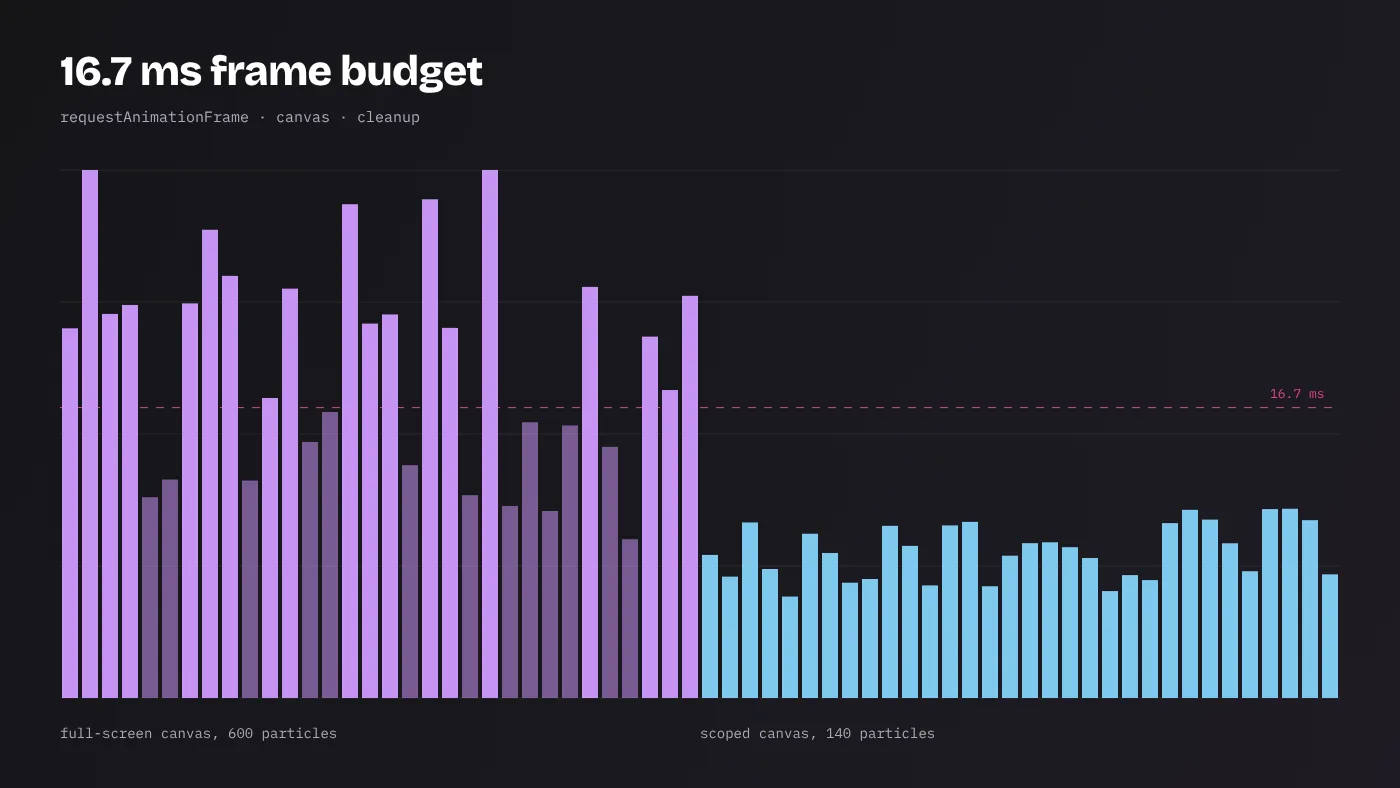
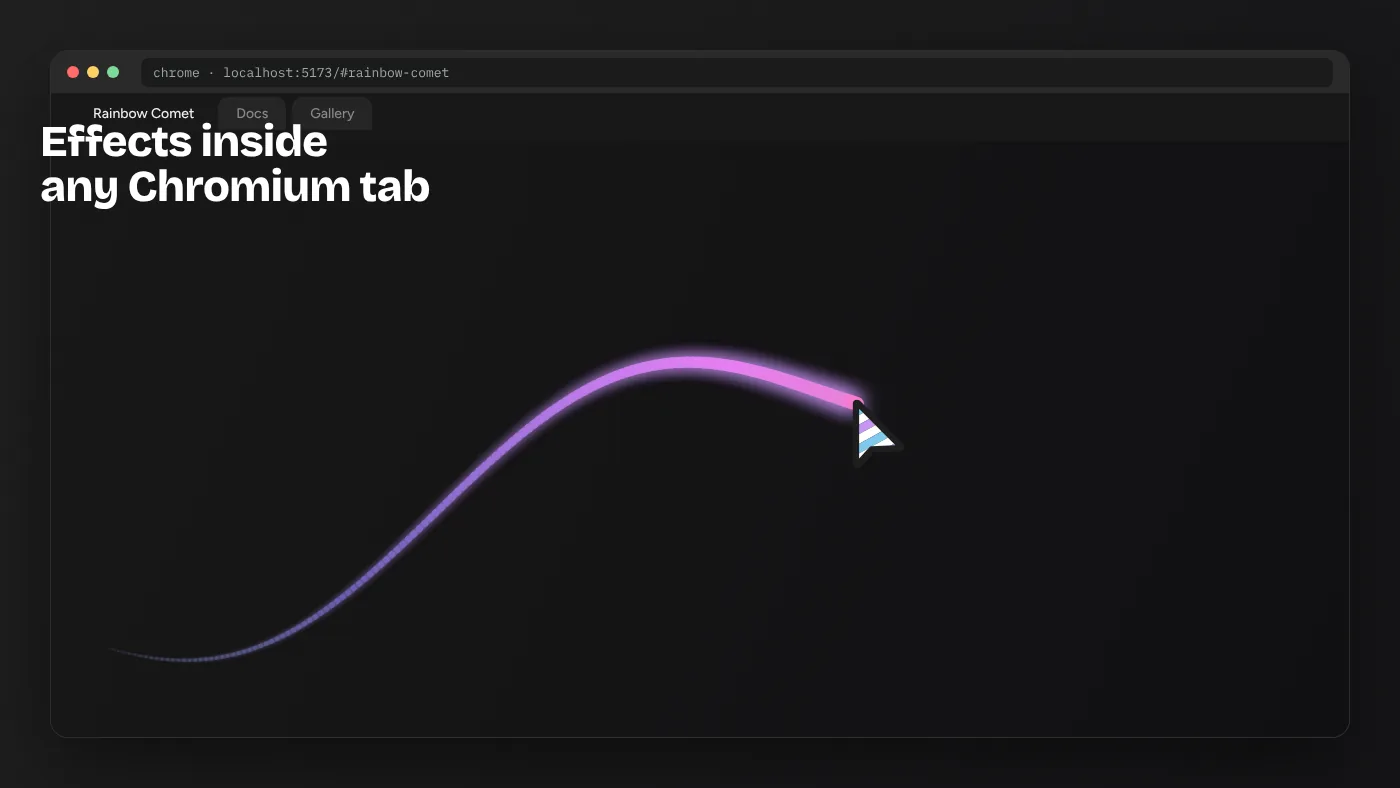
Coded effects work on a different layer. They draw on a canvas or move positioned elements every animation frame, using the pointer coordinates the browser reports. That makes motion possible — but it also means the effect is rendered by the page, so it inherits the page’s performance. A well-built effect, like those in the gallery, sizes its canvas to its container, runs inside requestAnimationFrame and cancels everything on unmount. A careless one can make a page feel sluggish.
Can you use both?
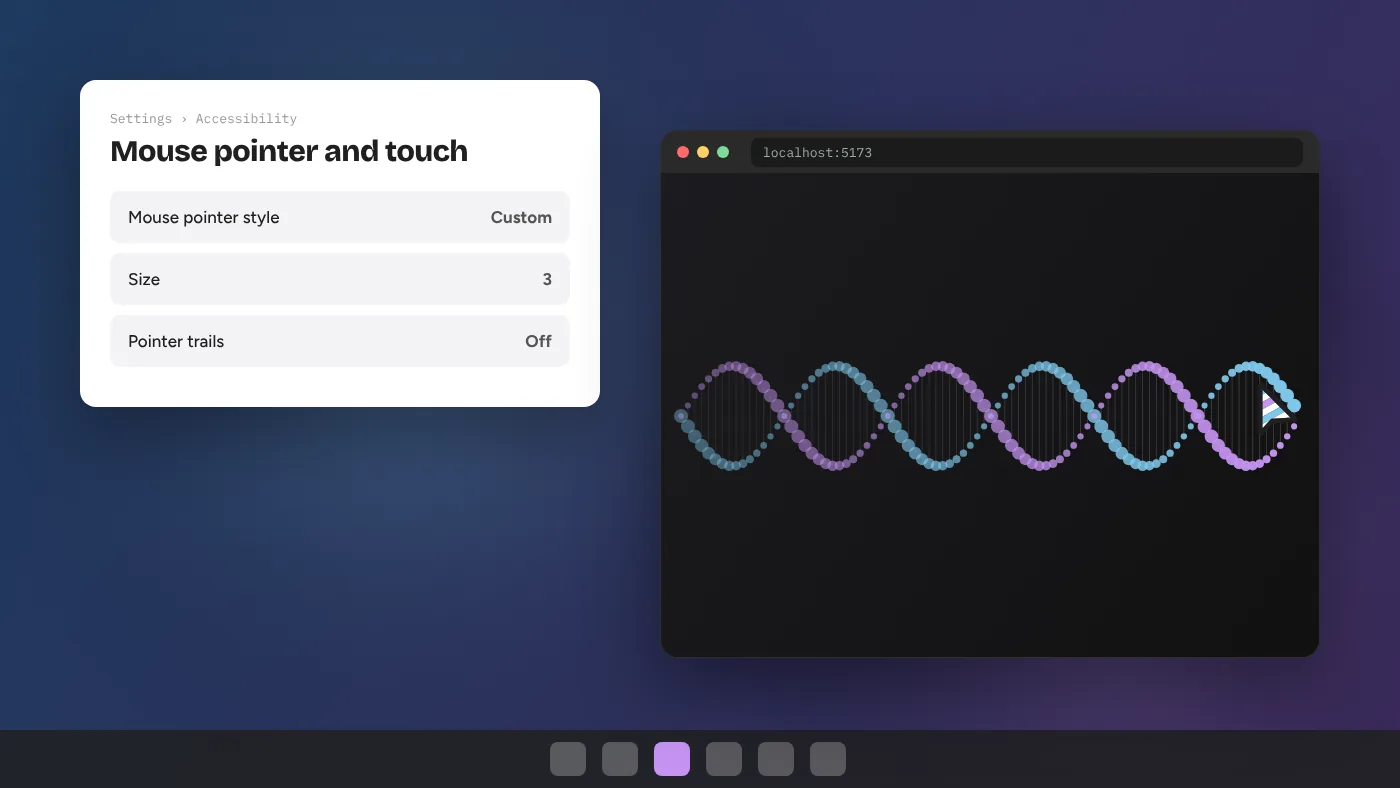
Yes. Many designers browse with a personal extension cursor and build sites with coded effects. When the two meet — you, with an extension, visiting a site that uses an interactive effect — what you see depends on the effect. Effects that leave the native pointer visible will show your extension’s image at the centre of their trail or ring. Effects that hide the native pointer and draw their own will replace the extension’s image on that page.
If you design sites, test with a popular cursor extension enabled at least once. Some visitors will arrive that way, and your effect should still look intentional.
Recreating a “pack” look with coded effects
Some people like the character of extension packs but want them on their own site, for every visitor. You can do that ethically by designing your own pointer images — or licensing them properly — and combining them with an effect:
- Create a 32×32 pointer image with a clear hotspot.
- Apply it with CSS:
cursor: url(/cursor.png) 2 2, auto;. - Add a light coded effect around it, such as Elastic Ring or Ghost Trail from the gallery, tinted to match.
- Restore native cursors over text fields and keep hover states on links.
Do not copy images from someone else’s extension pack onto your site without permission. Those images are usually owned by the extension developer or the original artist.
Performance and privacy, side by side
Extensions have almost no rendering cost, but they need permission to modify the pages you visit, which is a privacy consideration. Coded effects need no permissions from visitors, but they use visitors’ CPU and GPU, which is a performance consideration. Neither is automatically better. The responsible extension user reviews permissions; the responsible site owner measures frame cost and respects reduced motion. The performance guide covers the second half in detail.
A quick decision checklist
Answer these five questions and the right route becomes clear:
- Do other people need to see the cursor? Yes → coded effects. No → an extension is enough.
- Do you need movement, physics or click feedback? Yes → coded effects. A static picture is fine → either.
- Can you edit the website’s code? No → only an extension is possible, and only for you.
- Do you want to avoid installing browser add-ons? Yes → coded effects, viewed in the local gallery or on a site.
- Is this for brand or product design? Yes → coded effects, so you control every parameter and the license.
Real-world scenarios
A student personalising a laptop
The goal is fun while browsing. An extension does this in seconds. Interactive effects would be overkill unless the student is also learning web development — in which case the gallery is a great way to study animation code.
A freelance designer’s portfolio
Clients visiting the portfolio should see the cursor, so an extension is useless here. A coded Spotlight or Elastic Ring effect, scoped to the project grid, makes the site memorable without harming navigation elsewhere.
A game studio launch page
The team wants the page to feel like the game. Crosshair Scope or Glitch Shift from the gallery, tinted to the game’s palette, does that for every visitor. A custom static pointer image can sit at the centre for extra identity.
A teacher preparing a lesson
Ripple Wave and DNA Helix become small interactive demonstrations on a classroom projector. No student needs to install anything; the teacher simply opens the local gallery or a page that includes the effect.
In every case, the deciding factor is the same as before: whether the cursor is for the person at the keyboard, or for everyone who visits.
Maintenance over time
Ownership also affects what happens a year from now. An extension’s behaviour can change with any update its developer publishes, and extensions occasionally change hands or are removed from stores. For personal browsing that is a small inconvenience. Coded effects you have copied into your own project change only when you change them. You decide when to update, you can read every line, and the MIT license keeps your right to use the code regardless of what happens to the original repository. For anything customer-facing, that predictability is a strong argument for keeping the cursor in your own codebase.
The verdict
Sweezy cursors and similar extensions are personal themes for your own browsing. Interactive cursor effects are interaction design for a website. If you are decorating your own screen, pick a trustworthy extension. If you are building something other people will use, an extension cannot help you — and that is where the Cursor Custom gallery, with its 24 tunable effects and MIT-licensed source, is designed to start.